 AI and Lean Six Sigma
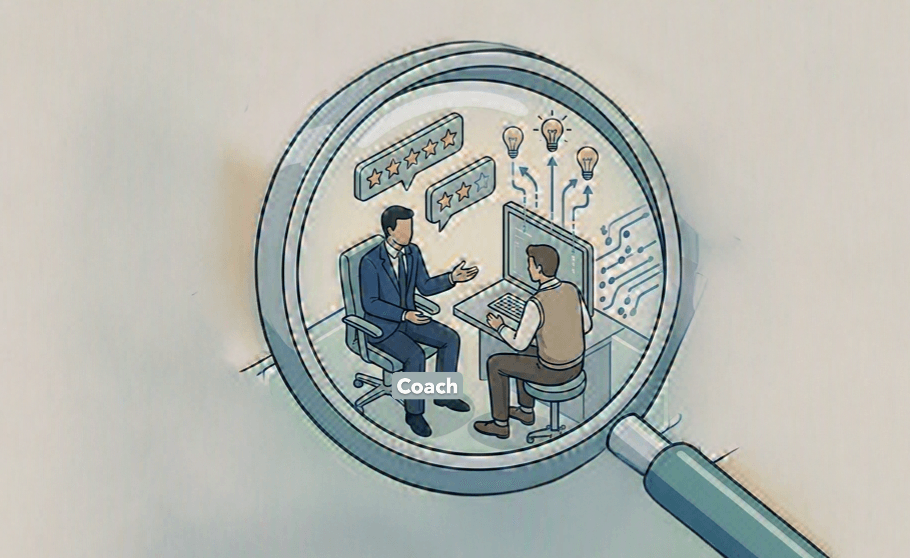
Coaching by Exception: The Andon Cord for Your Coaching Practice
July 25, 2026 · 6 min read


Mike Higgins · April 19, 2026 · 5 min read
I've seen countless projects stall for the same reason: friction. We design a brilliant new process on a whiteboard, but in the real world, human nature defaults to the path of least resistance. The new checklist is too cumbersome, the manual handoff is forgotten, and three months later, the gains are gone.
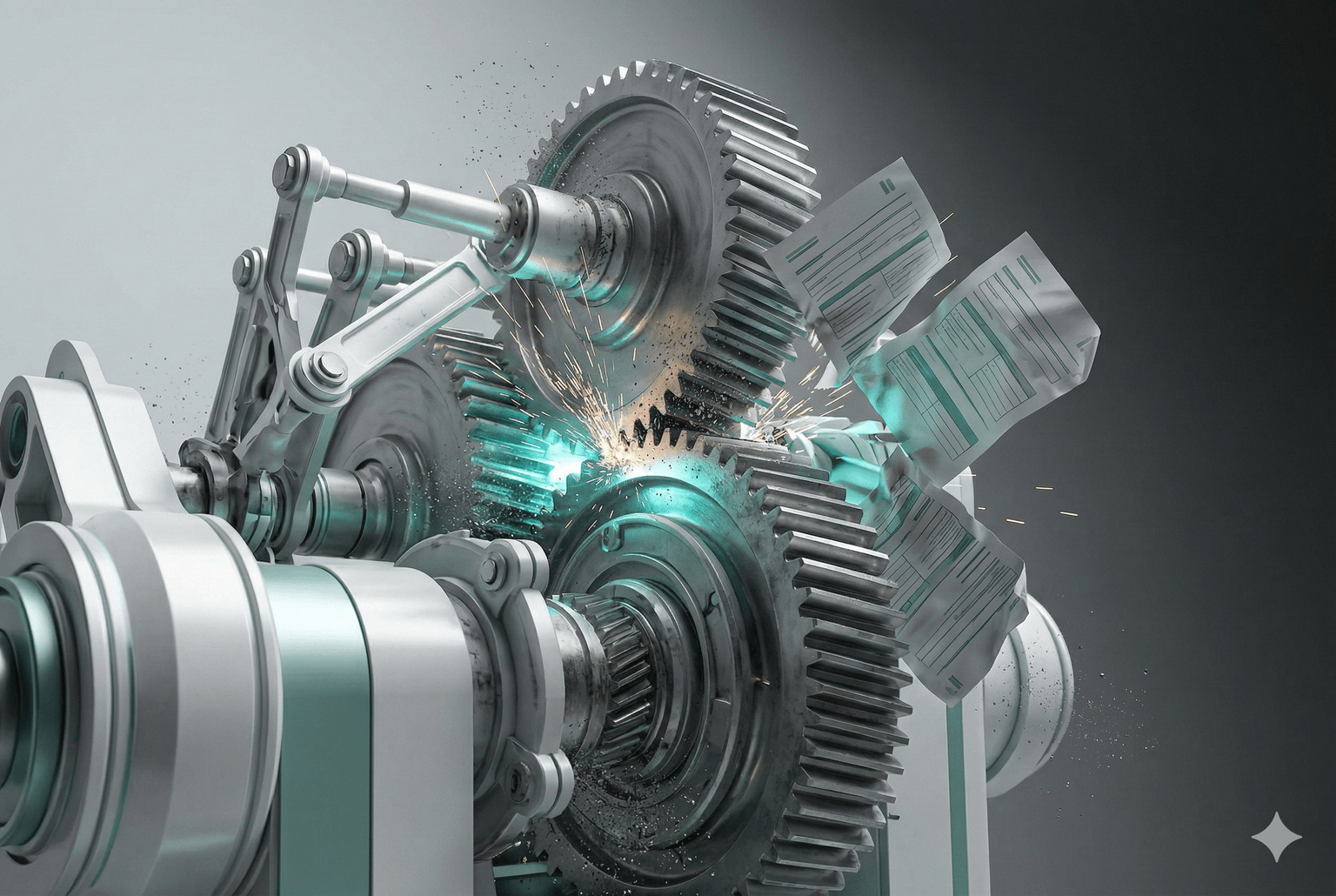
The promise of AI in LSS isn't to replace the practitioner, but to finally solve this problem by making the right thing to do, the easy thing to do.
But there's a massive gap between the hype of "AI-powered transformation" and the reality of project execution. The true value isn't in asking an LLM to create a fishbone diagram; it's in using workflow automation to build robust, repeatable processes that execute flawlessly. Let's look at how this works in the real world.
Workflow automation isn't a new concept, but the integration of accessible AI models (like Google's Gemini or Anthropic's Claude) and powerful, low-code platforms (like n8n or Make.com) has changed the game for LSS practitioners. We can now quickly build, test, and refine solutions in the Improve and Control phases that were once the exclusive domain of IT departments with six-month development cycles.
The goal is to leverage the Lean Six Sigma approach to identify the highest-friction, most repetitive, and most error-prone manual steps in a process and automate them.
Start here: if your business runs on spreadsheets and emails, you've just identified your first automation targets.
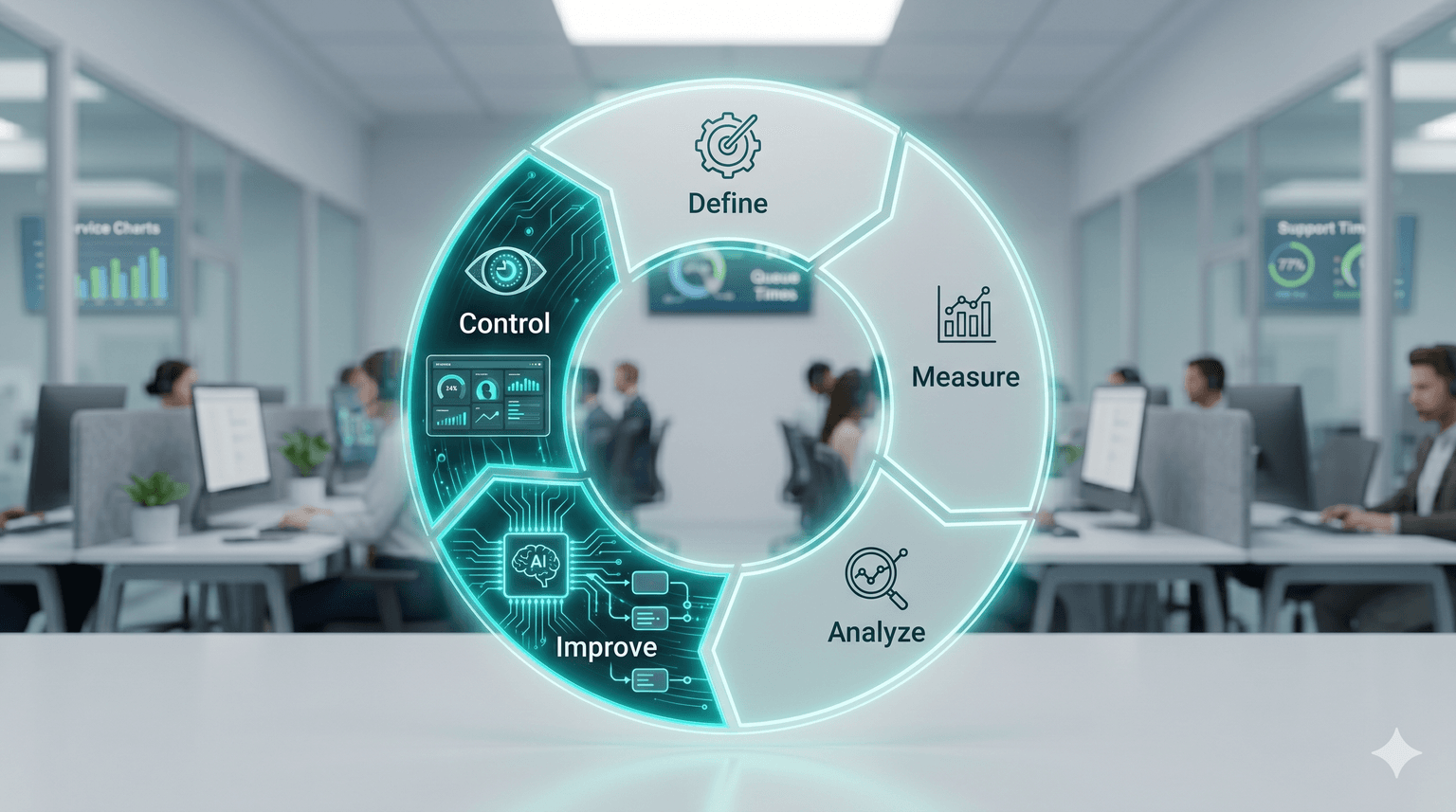
A customer service team wanted to free up capacity while improving customer experience (not trading one for the other).
The focus: routine requests for information from customers — Production Status, Bills of Lading, shipping information — running 20 to 30 per week across 5 customer service reps.
Measure & Analyze phase findings: process mapping and root cause analysis revealed a delay in responding to customer for these routine requests between 5 min to 24 hours. Why? Requests sat in an email queue, waiting for someone to find time to manually read, pull the information, and send a reply. Also, the priorities of the moment can easily distract the best customer service representatives.
The results were slow, unpredictable response times that were impacting customer satisfaction and the brand image. And even at a conservative 20-30 requests per week, the annual time cost adds up fast:
That's ~13 full work-days — nearly 3 work-weeks of one employee's time — spent on routine lookup-and-reply tasks that require zero judgment, zero customer relationship-building, and zero strategic value. And this is the floor. Scale it to a 5-person CS team or a busier queue, and the compound impact grows linearly.
Those 108 hours could be redirected to the work humans are actually better at than machines: escalations, complex cases, proactive customer outreach, coaching, continuous improvement. That's the opportunity cost hiding behind "it only takes 5 minutes."
The Automation Solution (Improve Phase): a workflow built on n8n — a self-hosted automation tool — that reduced response time to under 5 minutes. Delivered in under 6 weeks.
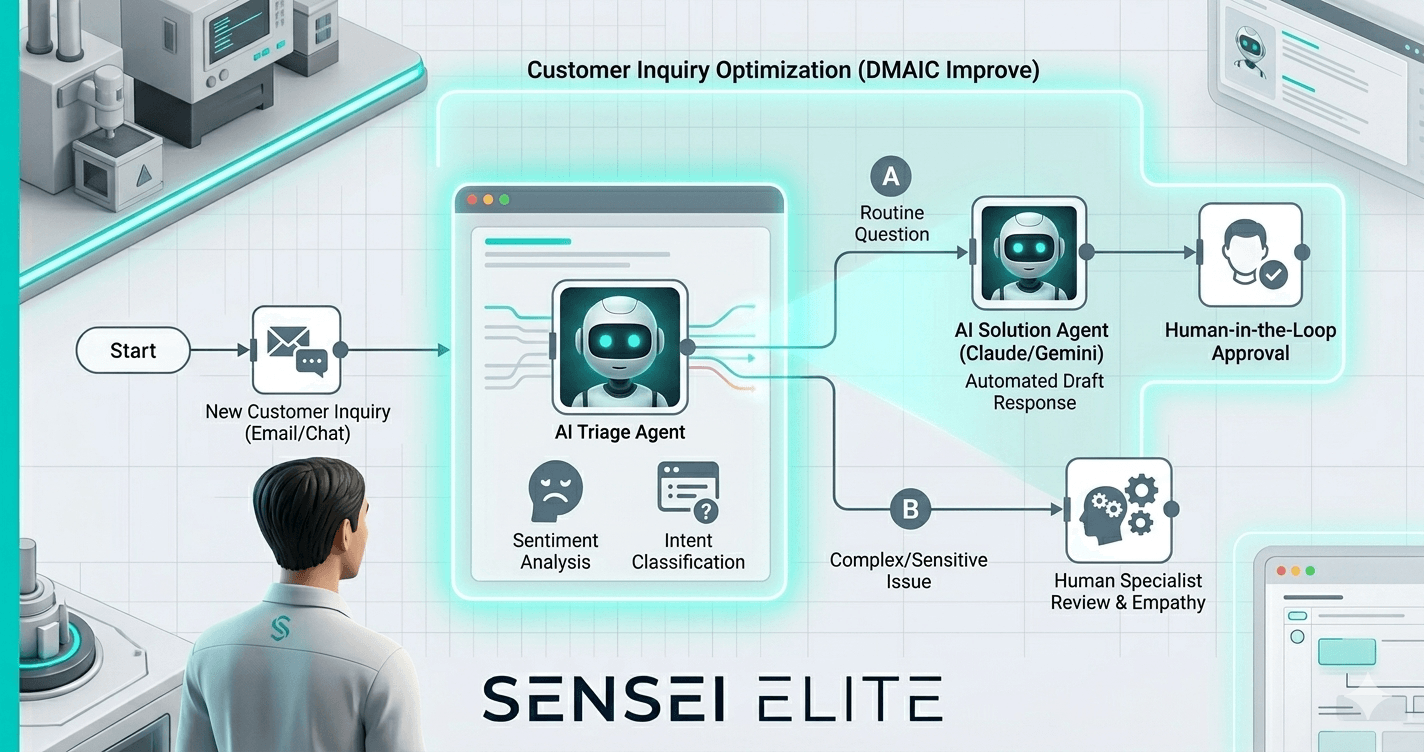
Why 5 minutes instead of instant? We built confidence through a human-in-the-loop design. Every draft email lands in a central draft box where a rep reviews and verifies before sending. Slack alerts notify the team when new drafts arrive for review.
The Control phase is ongoing. The team is still building confidence in the solution. However, one lesson learned: the prompts and workflows need to have declared owners as part of the project control plan. Constant refinement and continuous improvement is required with this approach as with any Lean Six Sigma approach.
The future of effective Lean Six Sigma deployment isn't about replacing practitioners with AI. It's about empowering them with automation tools to eliminate process friction, accelerate DMAIC cycles, and build solutions that stick. By focusing on practical, real-world workflow automation, we can move beyond theory and deliver measurable, lasting results. If you're looking to integrate these powerful automation strategies into your own Lean Six Sigma program, reach out to discuss how Lean Six Sigma AI Sensei can help.
Found this helpful?
How can AI workflow automation improve Lean Six Sigma projects?
AI workflow automation tackles the number-one reason LSS gains decay: process friction. By automating high-friction, repetitive, and error-prone manual steps — email triage, data pulls, report generation — practitioners build Control-phase solutions that execute consistently instead of eroding over time. In short, it makes the right thing to do the easy thing to do, so improvements stick.
What tools are used for Lean Six Sigma workflow automation?
Modern LSS practitioners combine accessible AI models like Anthropic's Claude or Google's Gemini with low-code automation platforms such as n8n or Make.com. This pairing lets Green Belts and Black Belts rapidly build, test, and refine Improve- and Control-phase automations — work that previously required IT departments and six-month development cycles.
Why is human-in-the-loop review important in AI-powered Lean Six Sigma automation?
AI models can hallucinate or produce subtly wrong output, so human-in-the-loop review is essential — especially for customer-facing workflows. In our customer service case study, draft emails were held in a central draft box for rep verification before sending, with Slack alerts routing new drafts for review. This builds confidence in the automation, catches errors early, and enables ongoing prompt refinement during the Control phase.
AI and Lean Six SigmaJuly 25, 2026 · 6 min read
 AI and Lean Six Sigma
July 13, 2026 · 4 min read
 AI and Lean Six Sigma
July 7, 2026 · 4 min read